Generate a strong WiFi password now.
Generate WiFi Password
Select options to customize your password. Recommended: Mix all types for maximum security.
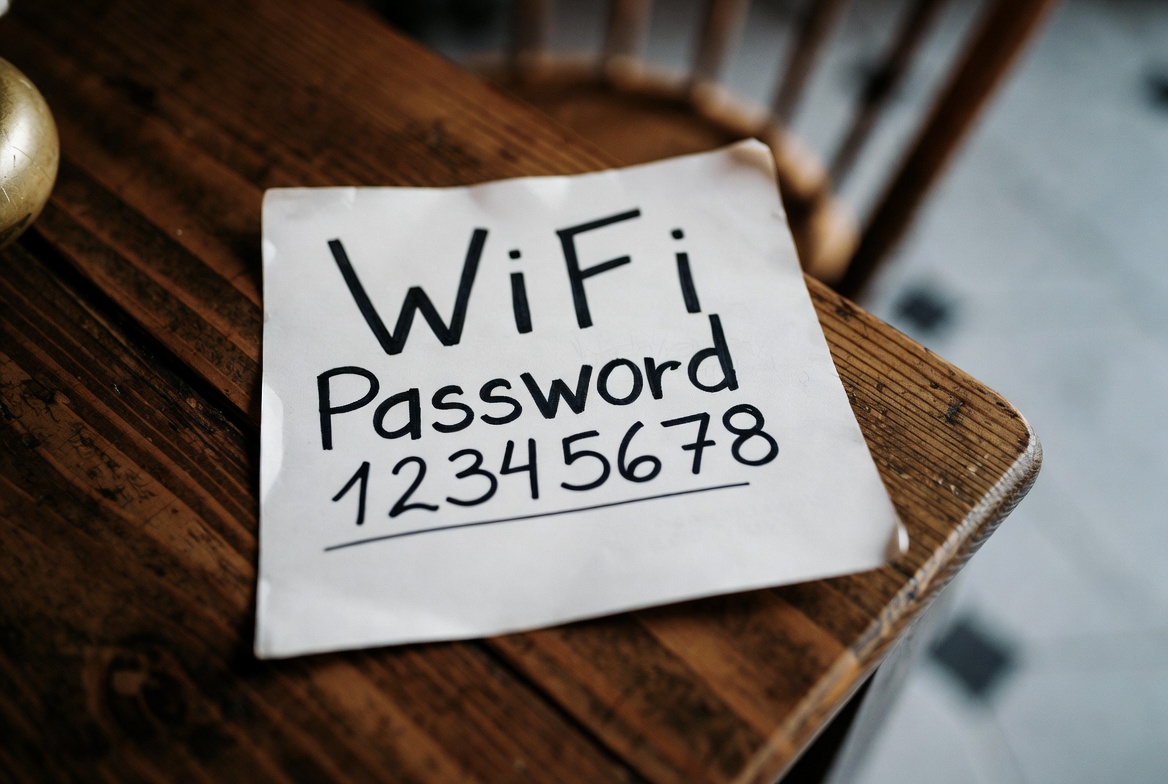
WiFi Security Tips
- Use at least 12 characters with mixed types.
- Enable WPA3 if available on your router.
- Change password regularly and avoid common words.
- Disable WPS and use hidden SSID for extra security.
- Update router firmware to patch vulnerabilities.
- Monitor connected devices in admin panel.
Frequently Asked Questions
How strong should my WiFi password be?
Aim for at least 12 characters with a mix of uppercase, lowercase, numbers, and symbols. This can take centuries to crack with current technology.
Can WPA2 passwords be cracked?
Yes, but strong, complex passwords make it practically impossible within reasonable timeframes using brute-force or dictionary attacks.
What software is used to crack WiFi passwords?
Common tools include Aircrack-ng, Hashcat, and John the Ripper, often with GPU acceleration for faster cracking.
How to change WiFi password on my router?
Log in to your router's admin panel (e.g., 192.168.1.1), go to WiFi settings, update the password, and save. Reconnect devices.
Is WPA3 better than WPA2?
Yes, WPA3 offers stronger encryption and better protection against brute-force attacks. Upgrade if your devices support it.
Disclaimer
For educational purposes only. Crack time estimates are approximate and depend on hardware. Always use strong security practices.