Transform weak signals into strong connections by cleverly positioning extenders, creating a network that covers every corner effectively.
Understanding WiFi Extenders
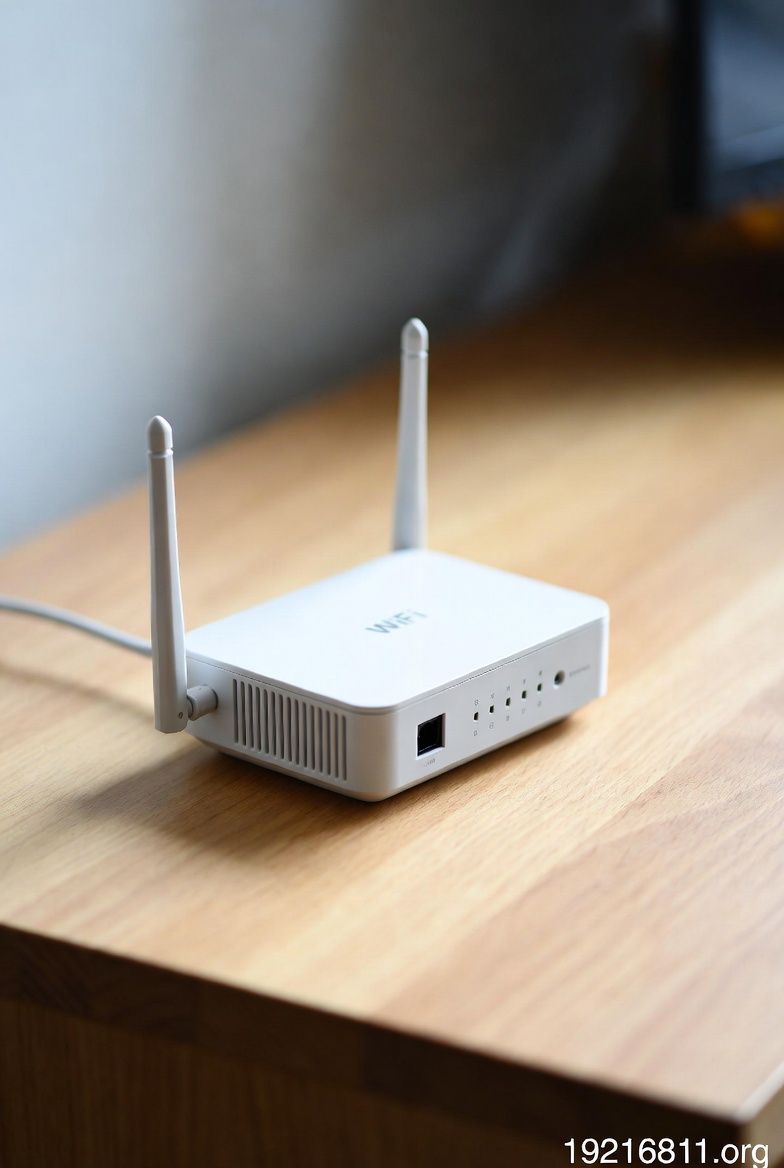
Picture your router as a central hub sending out wireless signals, but sometimes those signals fade before reaching every room. WiFi extenders, often called repeaters or boosters, solve this by picking up the router's signal and sending it further. Devices like the Netgear EX3700, TP-Link RE450, or Linksys RE6300 integrate well with standard routers, handling both 2.4GHz and 5GHz frequencies for flexible use.
Compared to mesh networks, extenders offer a simpler, more economical way to boost coverage. However, they might set up a distinct network name, which could interrupt smooth device switching as you move. Fascinatingly, a well-placed extender can add up to 2,000 square feet of coverage, turning frustrating dead spots into usable areas.
Remember, an extender expands reach but does not boost your internet provider's speed. It is like lengthening a hose: the flow stays constant, but it covers more ground.
Choosing the Right WiFi Extender
Start by evaluating your setup needs. For everyday use in moderate spaces, a single-band extender works fine, but for demanding tasks like video calls or online gaming, choose dual-band or tri-band to preserve speed.
Ensure it matches your router's specs. WiFi 6 compatible extenders prepare your network for more devices in connected homes.
Look for these essential features:
- Simple WPS setup for quick connections.
- LED indicators showing signal strength.
- App controls for monitoring and adjustments.
Netgear models prioritize security, TP-Link provides value-packed options, and Linksys excels in easy blending. If you need wired spots, select ones with Ethernet ports.
Detailed Setup Process
Before starting the installation, think about how you want to link your WiFi extender to the main router. This choice affects stability, speed, and ease of setup. Based on common practices from reliable networking resources, here are the primary options explained with icons for clarity:
- Wireless Connection via WiFi : This is the go-to method for most users. It involves capturing the router's signal over the air without any cables. Ideal for quick setups in homes where running wires is not practical. Use it when you need flexibility in placement.
- Wired Connection via Ethernet Cable : Connect the extender directly to the router using an Ethernet cable, often switching it to Access Point (AP) mode. This provides a more stable backhaul link, reducing potential speed losses from wireless interference. Perfect for environments with thick walls or high device demands.
- Quick Sync with WPS Button : A simple push-button approach for compatible devices. Press WPS on both the router and extender to automatically pair them wirelessly. Great for beginners who want to avoid entering passwords manually, though not all routers support it.
Pick the one that fits your setup best. For instance, if your extender model supports AP mode, opt for wired to maximize performance. Now, follow these general steps, adjusting based on your chosen method. Installing a WiFi extender is user-friendly when done methodically. These steps apply broadly to most devices, ensuring a solid start.
- Prepare the Extender: Unpack it and connect to power near your router. Allow the power light to steady, confirming readiness. This close range aids initial signal capture.
- Connect Using Your Chosen Method: If going wireless or with WPS, hit WPS on the router then extender within minutes to auto-sync. For manual wireless, join the extender's default network (like NETGEAR_EXT) on a device, then visit its interface at 192.168.1.1 or similar. Pick your network and input the password. For wired, plug in the Ethernet cable from router to extender, then access the settings to enable AP mode.
- Optimal Placement Strategy: Move it to a central spot. Rely on LEDs or apps like WiFi Analyzer for at least 50 percent signal from the router, preventing poor rebroadcast.
- Performance Testing and Adjustment: Test speeds in covered areas with tools like Speedtest. If low, reposition or alter channels to sidestep neighboring network clashes or appliance noise.
- Advanced Configuration: Via the interface, align the SSID with your router's for fluid roaming if feasible. On dual-band, use 5GHz for router link and 2.4GHz for devices to enhance flow.
- Common Issue Resolution: For failures, hold reset for 10 seconds and restart. Update router firmware and match security like WPA3.
Brand-Specific Tips
Each brand has unique helpers:
- Netgear (e.g., EX3700): Nighthawk app guides you; aim for solid green Router Link LED.
- TP-Link (e.g., RE450): Tether app eases process; watch RE LED solidify post-WPS.
- Linksys (e.g., RE6300): Browser setup at http://extender.linksys.com; Spot Finder aids location.
Optimization and Best Practices
Boost your extender's output with these professional insights. Elevate it to four feet, matching router height, for balanced spread. WiFi signals fan out and down, so height aids distribution.
Avoid cabinets, metal, or interference sources like microwaves and phones. For layered spaces, sketch a plan marking signal levels to find prime spots.
Regular firmware updates via maker sites fix issues and improve efficiency. In busy setups, WiFi 6 models manage loads better.
A clever trick: Dedicate a band for backhaul if offered, saving speed for devices. Track usage to avoid clogs, and add a guest network for security.
More tips include:
- Scan channels for least crowded ones.
- Position antennas vertically for broad coverage.
- Test multiple spots for best results.
Troubleshooting Common Issues
Facing glitches? Address them systematically. If speeds drop post-connection, it may be too distant; shift closer to midpoint.
Interference often causes drops; use apps to find busy channels and switch. For instability:
- Reset to factory and re-setup.
- Update firmware from official sources.
- Match security settings and strong passwords.
Single-band speed halving is expected; dual-band helps. Enable MAC filtering to restrict access, or check firewall settings. Persistent troubles? Check forums for model tips.
Alternatives to WiFi Extenders
Extenders are straightforward, but consider mesh for unified coverage without speed hits; nodes use dedicated paths, suiting bigger areas.
Powerline adapters leverage wiring to skip wireless issues in walled spaces.
Mesh pros: One SSID, steady speeds; cons: Costlier. Extenders: Budget-friendly but may need switches. Upgrade routers to WiFi 6 for synergy.
Frequently Asked Questions
What is a WiFi extender and how does it function?
A WiFi extender captures and rebroadcasts your router's signal to extend coverage, perfect for spaces with dead zones due to walls or distance.
How does a WiFi extender differ from a mesh system?
Extenders provide affordable extension but might reduce bandwidth and use separate SSIDs, whereas mesh systems deliver seamless coverage with dedicated channels for superior performance.
What is the optimal placement for a WiFi extender?
Place it halfway between the router and the area needing coverage, at around four feet high, ensuring good signal reception without excessive overlap.
Does using a WiFi extender reduce overall network speed?
Single-band extenders may cut speeds by half due to dual-tasking; dual-band versions lessen this by separating functions across bands.
Can I use multiple WiFi extenders in my network?
Yes, though linking them sequentially can amplify speed losses; position them thoughtfully to minimize relay steps.
How do I secure my WiFi extender?
Implement strong passwords, activate WPA3 encryption where possible, and use MAC filtering to manage device access.
What if my extender isn't connecting to the router?
Check setup proximity, apply firmware updates, confirm security compatibility; a reset to defaults often fixes ongoing problems.
Disclaimer
This resource serves informational goals. Performance and fit depend on specific models and settings; refer to maker guides for precision.