Picture your home as a web of connectivity, where every room pulses with strong WiFi—mesh systems weave this reality, banishing dead zones and enabling effortless device movement.
Understanding Mesh WiFi Systems
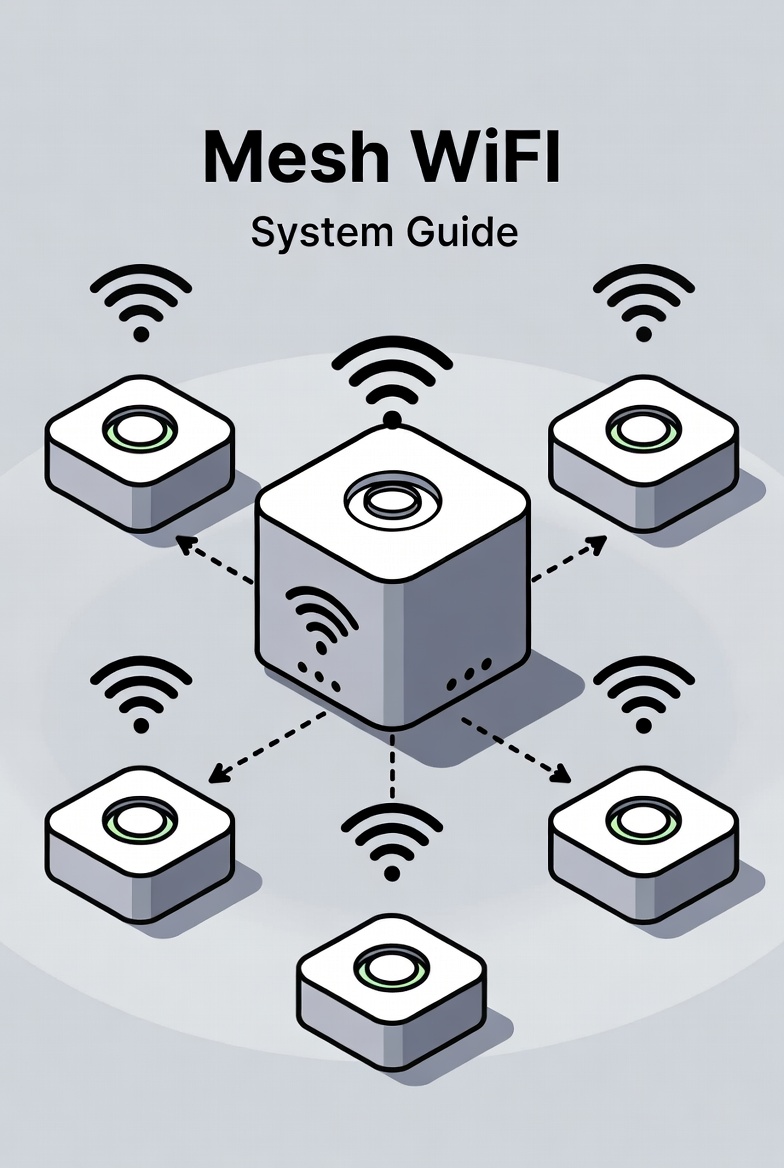
Mesh WiFi represents a leap in home networking, using multiple units called nodes that collaborate to form a single, expansive network. Unlike traditional setups with a central router, mesh distributes the load, ensuring consistent speeds and coverage.
At its heart, this technology employs smart algorithms to route data efficiently, automatically switching devices to the nearest node. It's particularly valuable in larger homes or those with thick walls, where signals traditionally falter.
Interestingly, mesh draws inspiration from military communications, adapting paths in real-time to maintain connections even if one node fails.
Benefits of Mesh WiFi
Embracing mesh brings transformative advantages. It eliminates the frustration of weak spots, providing uniform coverage that supports streaming, gaming, and work without interruptions.
Key perks include:
- Seamless roaming: Devices switch nodes automatically, like cell towers hand off calls.
- Scalability: Add nodes as needs grow, covering from apartments to estates.
- Simplified management: One app controls the entire system, from security to updates.
This approach not only boosts reliability but also future-proofs your setup for increasing device demands.
Choosing the Right Mesh System
Selecting a mesh setup involves assessing your space and requirements. Consider coverage area, number of devices, and desired features like parental controls or antivirus integration.
Compare key aspects:
| Feature | Basic Systems | Advanced Systems |
|---|---|---|
| Coverage | Up to 3,000 sq ft | Over 5,000 sq ft |
| Bands | Dual-band | Tri-band with dedicated backhaul |
| Speed | Up to AC2200 | WiFi 6/6E, multi-gigabit |
| Extras | Basic QoS | Security suites, voice control |
Opt for WiFi 6 compatible systems for future-ready performance in device-dense environments.
Detailed Setup Process
The setup process is the pivotal step in harnessing mesh WiFi's full potential, transforming scattered signals into a unified blanket of connectivity. Approach it methodically to avoid common pitfalls and achieve optimal results. Preparation ensures smoothness, so gather all components and plan node placements beforehand.
Pre-Setup Essentials: Unbox your kit, verify components, and download the companion app. Position the primary node near your modem for a strong foundation. Consider your home's layout—nodes should form a chain or star pattern for even distribution.
- Connect the Primary Node: Plug it into power and link it to your modem via Ethernet. Power on and wait for indicator lights to stabilize, signaling readiness.
- App-Guided Initialization: Launch the app, create an account if needed, and follow prompts to detect the node. Set your network name (SSID) and a strong password, enabling WPA3 for top security.
- Add Satellite Nodes: Place additional units strategically—aim for 30-50 feet apart, avoiding metal or thick barriers. Use the app to pair them, often via Bluetooth or QR codes for seamless integration.
- Configure Advanced Settings: Enable features like guest networks, parental controls, or QoS to prioritize traffic. Test roaming by moving devices around while connected.
- Verify Coverage: Use the app's map or signal tester to identify weak areas. Reposition nodes or add more if gaps persist.
- Finalize and Update: Apply firmware updates through the app for latest enhancements. Monitor initial performance and tweak as needed.
This comprehensive process lays the groundwork for a resilient network, adapting to your space's unique challenges. With careful execution, you'll enjoy fluid connectivity that feels almost magical in its consistency.
Optimization and Best Practices
To squeeze every bit of performance from your mesh, focus on placement: Elevate nodes, centralize them, and minimize interference from appliances.
Best practices:
- Use wired backhaul where possible for faster inter-node communication.
- Regularly scan for channel congestion and adjust automatically if supported.
- Enable band steering to direct devices to optimal frequencies.
These tweaks can dramatically improve speeds and reliability, making your network a powerhouse.
Troubleshooting Common Issues
Facing hiccups? Slow speeds might stem from node distance; bring them closer. Disconnections? Check for firmware mismatches.
Quick fixes:
- Reboot the entire system to reset connections.
- Verify Ethernet cables for wired setups.
- Disable and re-enable features to isolate problems.
Persistent troubles often resolve with app diagnostics or support chats.
Alternatives to Mesh WiFi
While mesh excels in coverage, alternatives suit specific scenarios. WiFi extenders boost signals cheaply but may create separate networks.
Other options:
- Powerline adapters use electrical wiring for stable extensions.
- High-power single routers cover smaller areas effectively.
- MoCA leverages coax cables in homes with TV wiring.
Choose based on your infrastructure—mesh shines for wireless flexibility.
Frequently Asked Questions
What is a mesh WiFi system?
A network of interconnected nodes that work together to provide consistent WiFi coverage across large areas with seamless device roaming.
How does mesh WiFi differ from traditional extenders?
Mesh systems use dedicated backhaul channels and intelligent routing for better performance, while extenders often halve speeds and require manual network switching.
How many nodes do I need for my home?
It depends on size and layout; start with 2-3 for average homes, adding more for multi-story or sprawling properties.
Can mesh WiFi integrate with existing routers?
Many systems support bridge mode to work alongside current equipment, or they can fully replace it for unified management.
What if my mesh network has weak spots?
Reposition nodes, add more units, or use wired backhaul to strengthen signals in problematic areas.
Is mesh WiFi suitable for gaming?
Yes, with low latency and QoS features, it handles gaming well, especially in tri-band configurations.
What alternatives exist to mesh WiFi?
Powerline adapters, WiFi extenders, or upgrading to a powerful single router for smaller spaces.
Disclaimer
This guide provides general insights. Actual performance varies by environment; consult product specifics for tailored advice.